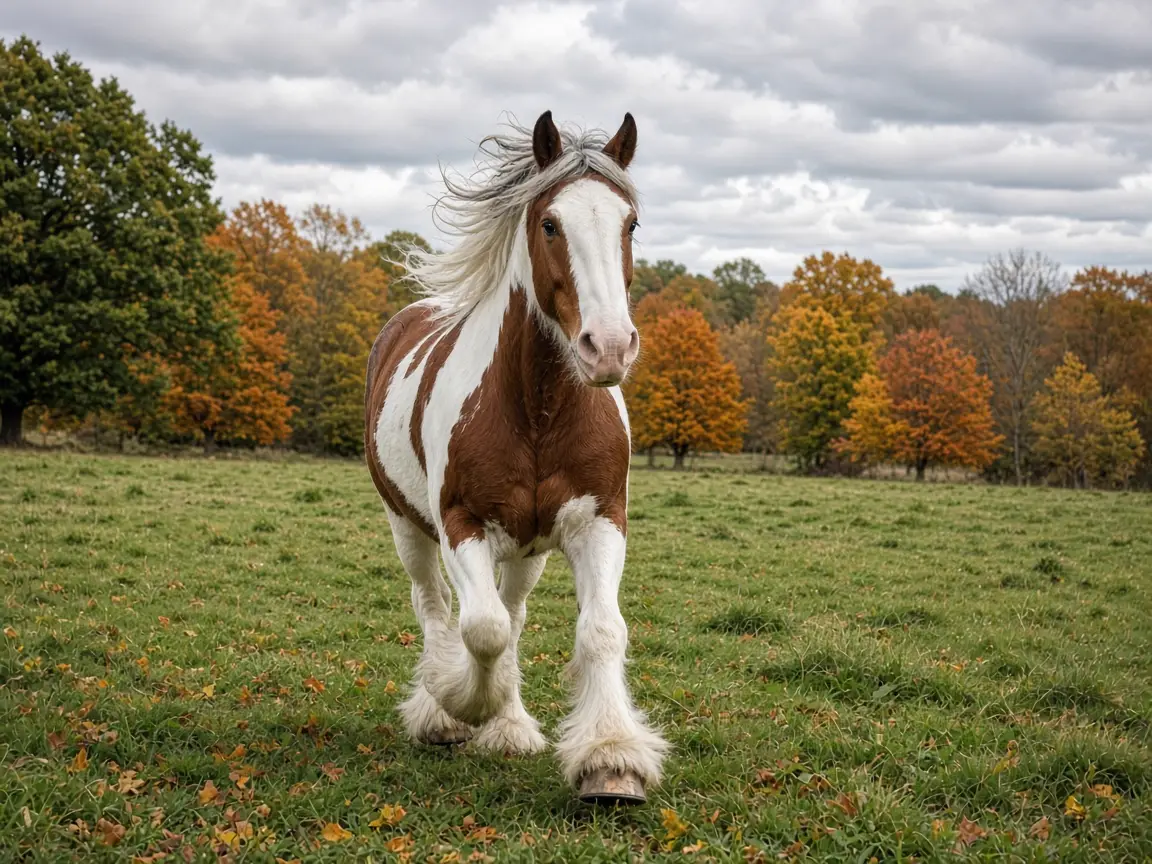
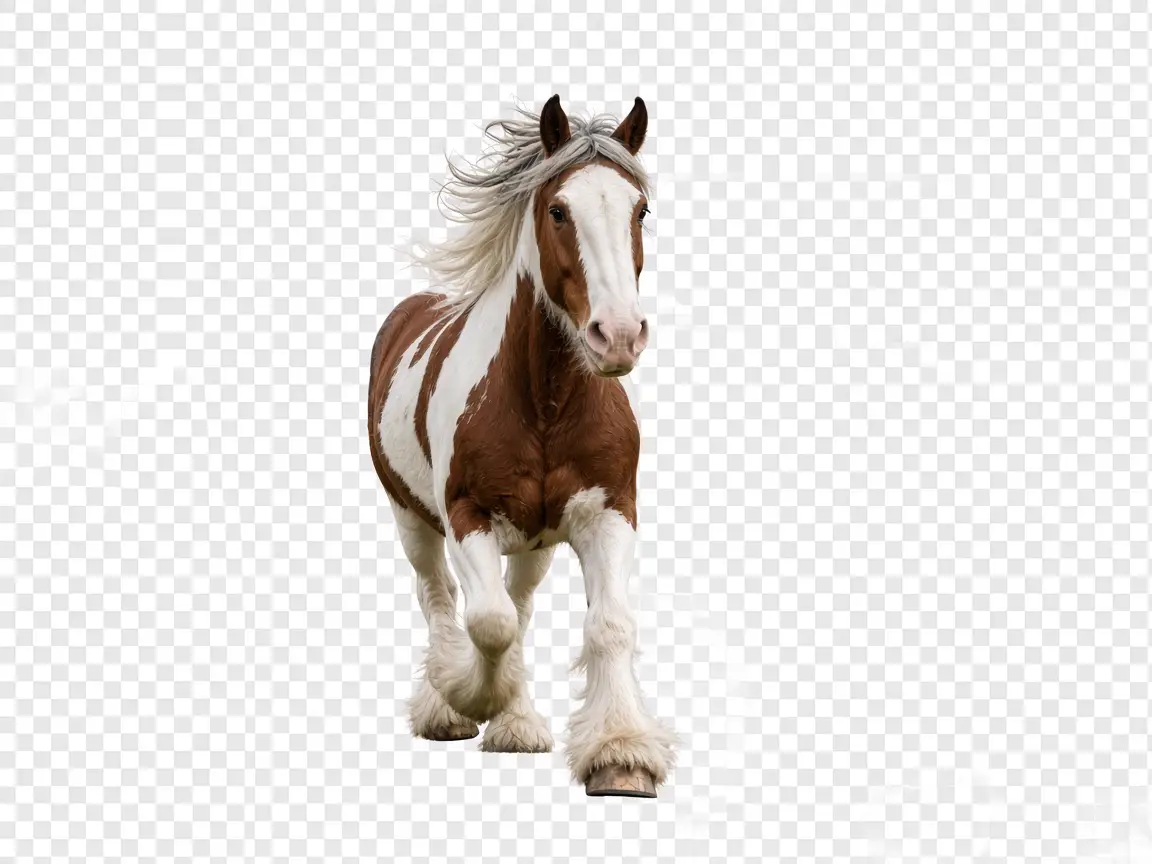
Free online background change for WebP: upload, auto-remove the background, then replace it with a solid color, gradient, or custom image. No login required. Batch up to 3 files (5MB each).
Your uploaded files will be sent to third-party AI API for processing. Files may be temporarily stored by API provider. We do not permanently save your files after processing. Background color/image compositing runs locally in your browser.
Drop WebP images here or click to select
Up to 3 WebP files, 5MB each. Remove background, then change to a new one.
WebP upload only. Free · No account · Background change after cutout.
Your uploaded files will be sent to third-party AI API for processing. Files may be temporarily stored by API provider. We do not permanently save your files after processing. Background color/image compositing runs locally in your browser.
Original WebP in → cutout → optional background change.

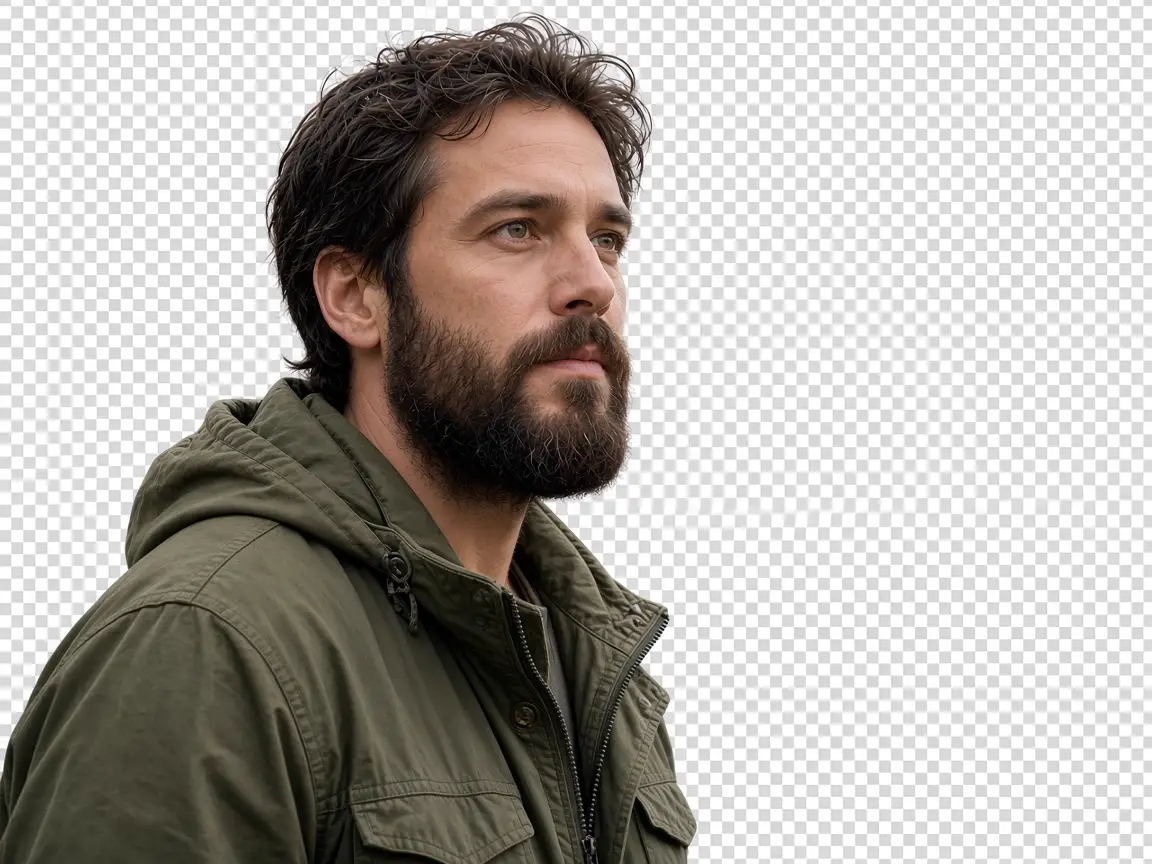
AI cutout removes the WebP background. Then swap in a solid color, gradient, or your own background image.
Use the tool in your browser with no account. Soft enhance is optional and runs locally on the cutout.
Upload up to 3 WebP files (5MB each). Process one by one; a short rate limit protects API cost.
Upload one or more .webp files (up to 3). Click Remove Background to run AI cutout. When the transparent subject appears, open Background change and pick Transparent, Solid color, Gradient, or Custom image. Soft enhance is a light local beauty filter. Download the PNG when you like the preview.
This page targets a free, fast, no-login background change flow for WebP. JPG and PNG are not accepted as the source file. Edges can look rough on busy photos; try another WebP if the cutout is off. Custom background images and color fills are composited in your browser after the AI step.
Use a clear subject and a simple original scene when possible. For product shots, a solid white or studio gradient often looks cleanest. For portraits, try Soft enhance lightly, then a soft sky or mint gradient. If you hit a rate limit while batching, wait about a minute and continue the queue.
Upload a WebP, click Remove Background, then choose Solid color, Gradient, or Custom image under Background change and download the PNG.
Yes. The page is free to use and does not require an account. AI cutout uses a third-party API; color and image backgrounds are applied locally.
Yes, up to 3 WebP files per batch (5MB each). Process them in order. There is a rate limit of 2 AI requests per minute per IP.
Only WebP as the source image. After cutout you can use JPG, PNG, or WebP as a custom replacement background.
Yes for AI removal: files are sent to a third-party AI API and may be stored temporarily by the provider. Background color/gradient/custom image compositing happens in your browser. We do not permanently save your files.